Keep learning with the companion guide.
Open this simple resource in a new tab, then use it at your own pace.
Open the free guide →For years, Ollama’s clearest job was simple: download a model, run it on your computer, and give developers a local API they could build around.
That foundation still matters. But the newest update changes the product story.
With Ollama 0.32, running the bare ollama command no longer feels like opening a model utility. It opens an interactive agent experience designed for chat, coding, web research, and delegated work.
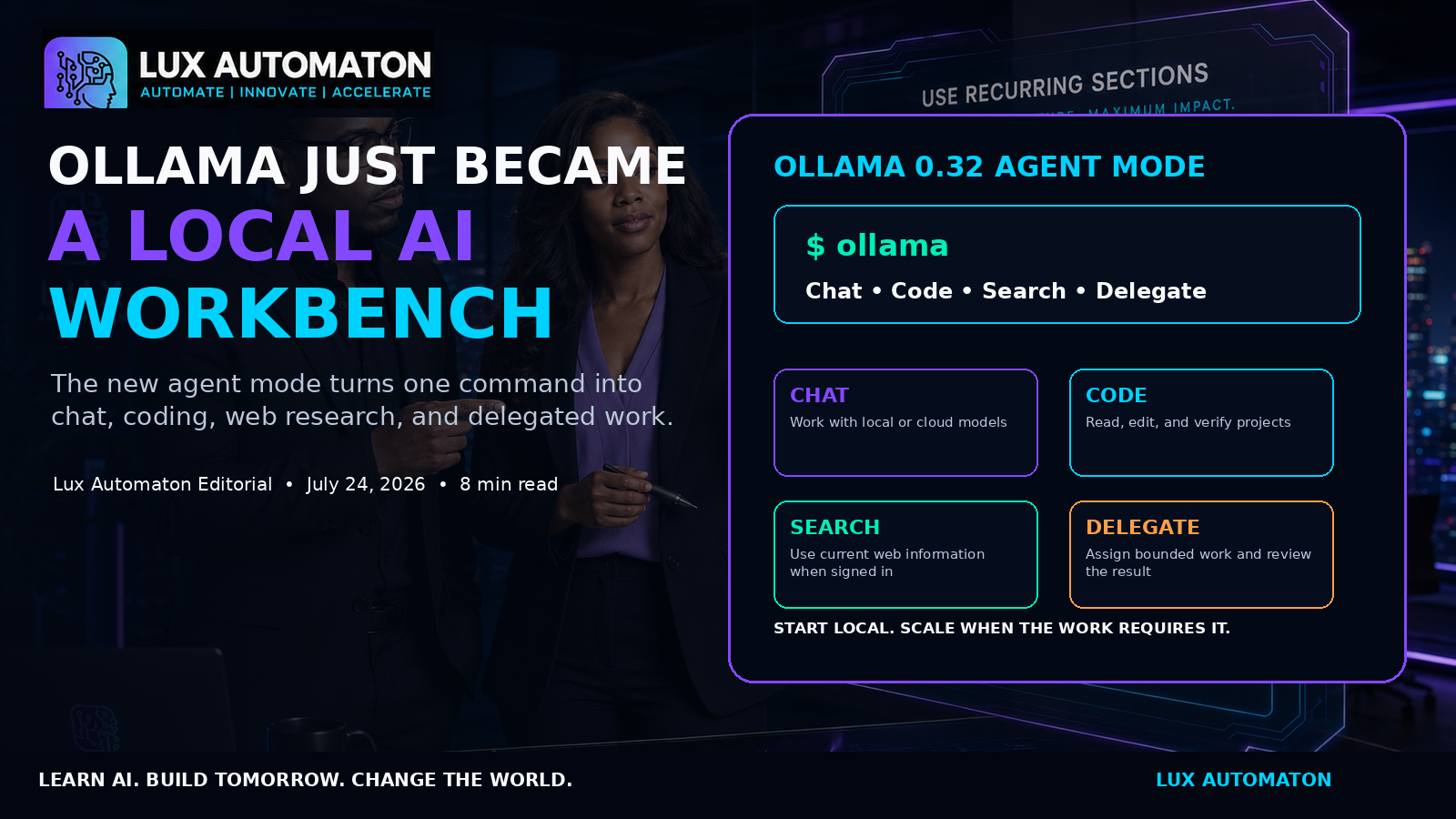
That is a meaningful shift. The model is no longer the whole experience. The model becomes one part of a workbench that also needs context, tools, integrations, permissions, and a clear definition of what the human expects to happen next.
For Lux Automaton, this is especially important. It supports the same larger direction behind LANA, Hermes, Lux Codex, private AI business systems, and the Lux Agent USB:
**Local AI becomes more valuable when it can help complete real work—not only answer questions.**
The question is not, 'Can Ollama act like an agent now?' The useful question is:
**Which jobs should we give it, which model should handle them, and what boundaries must exist before the agent is allowed to act?**
01 — One command now opens an AI workbench
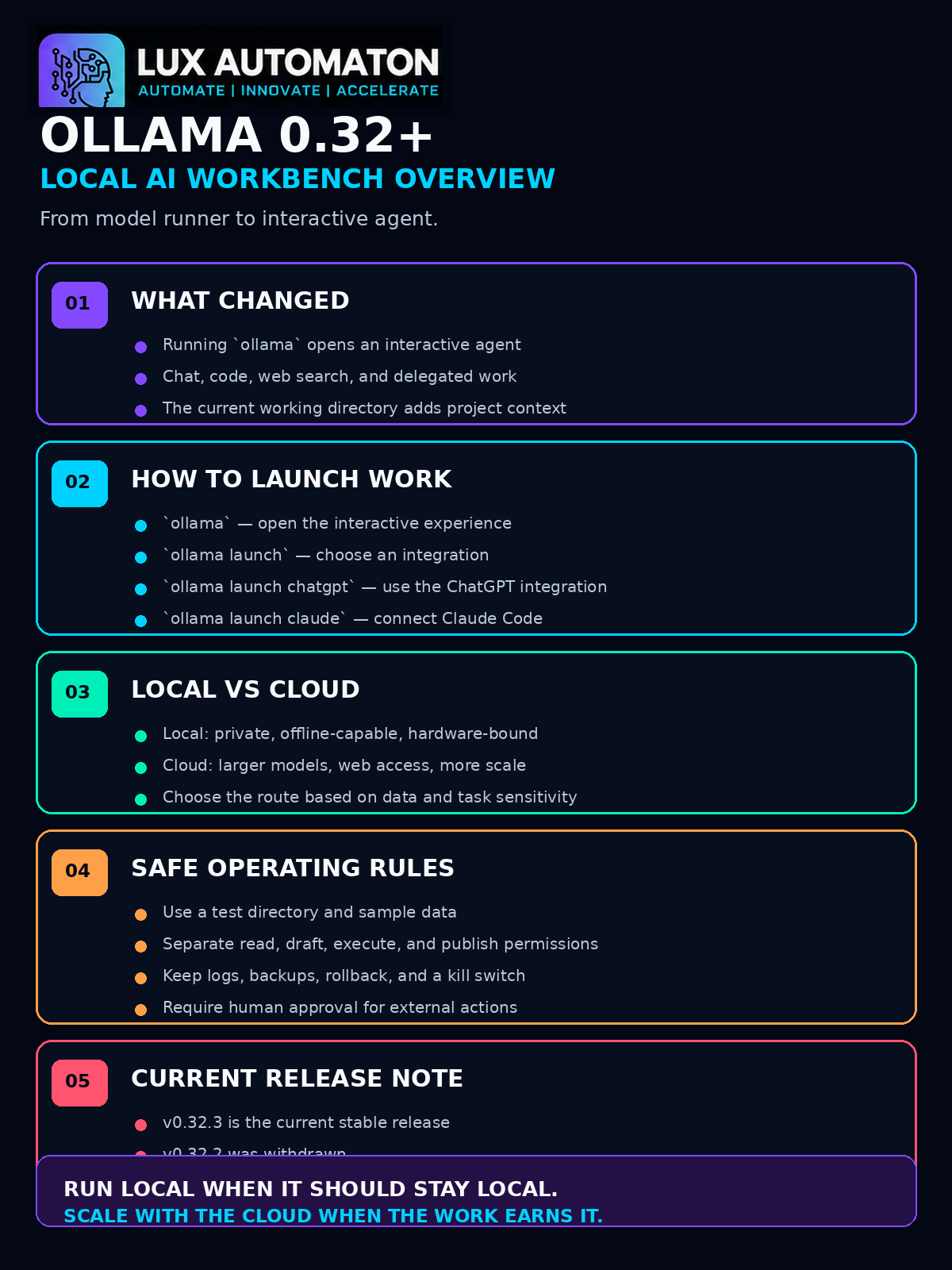
Ollama 0.32.0 introduced a new interactive agent experience. According to the official release notes, running ollama can now open a mode described as Chat, Code, & Work, with the ability to use models, work with code, search the web, and delegate real tasks.
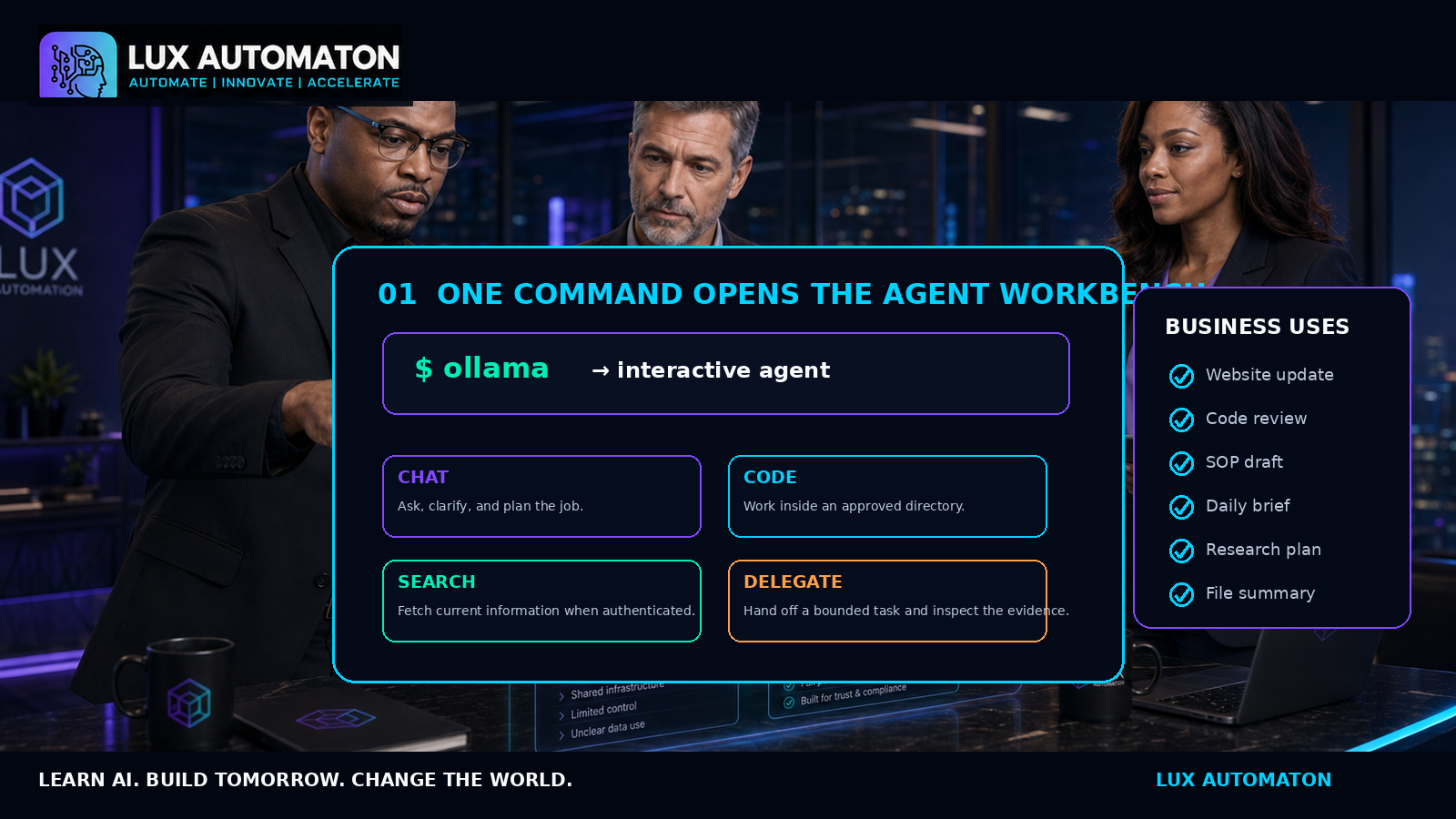
That is a different mental model from ollama run model-name.
The older pattern begins with the model: Choose a model -> Start a chat -> Ask for an answer -> Copy the answer -> Complete work yourself.
The agent pattern begins with the job: Open workbench -> Explain outcome -> Inspect approved context -> Allow specific tools -> Review evidence -> Approve or revise.
The working directory becomes context
Ollama 0.32.1 improved the agent by passing the current working directory into its system context. In everyday language, that means the agent has a clearer idea of where it is working. If you open a project folder, the agent can understand that folder as the immediate workspace.
Do not launch an agent from a folder that contains unrelated personal files, production credentials, or customer records. A good working directory is limited to the current job, backed up, free of secrets, and easy to audit.
`ollama launch` becomes the integration doorway
Ollama’s documentation positions ollama launch as the way to configure and start supported external applications with Ollama models, including Claude Code, OpenCode, OpenClaw, and Pi. Ollama 0.32.0 also renamed the previous Codex App integration to ChatGPT using ollama launch chatgpt.
The first business use cases should be boring
Start with: 'Review this copied project folder and prepare a proposed change,' or 'Read these approved notes and draft a weekly summary.' The agent should produce something a human can inspect before it changes the outside world.
**Asa’s note:** “The goal is not to make the first workflow impressive. The goal is to make it dependable.”
02 — Local and cloud models become one deliberate choice
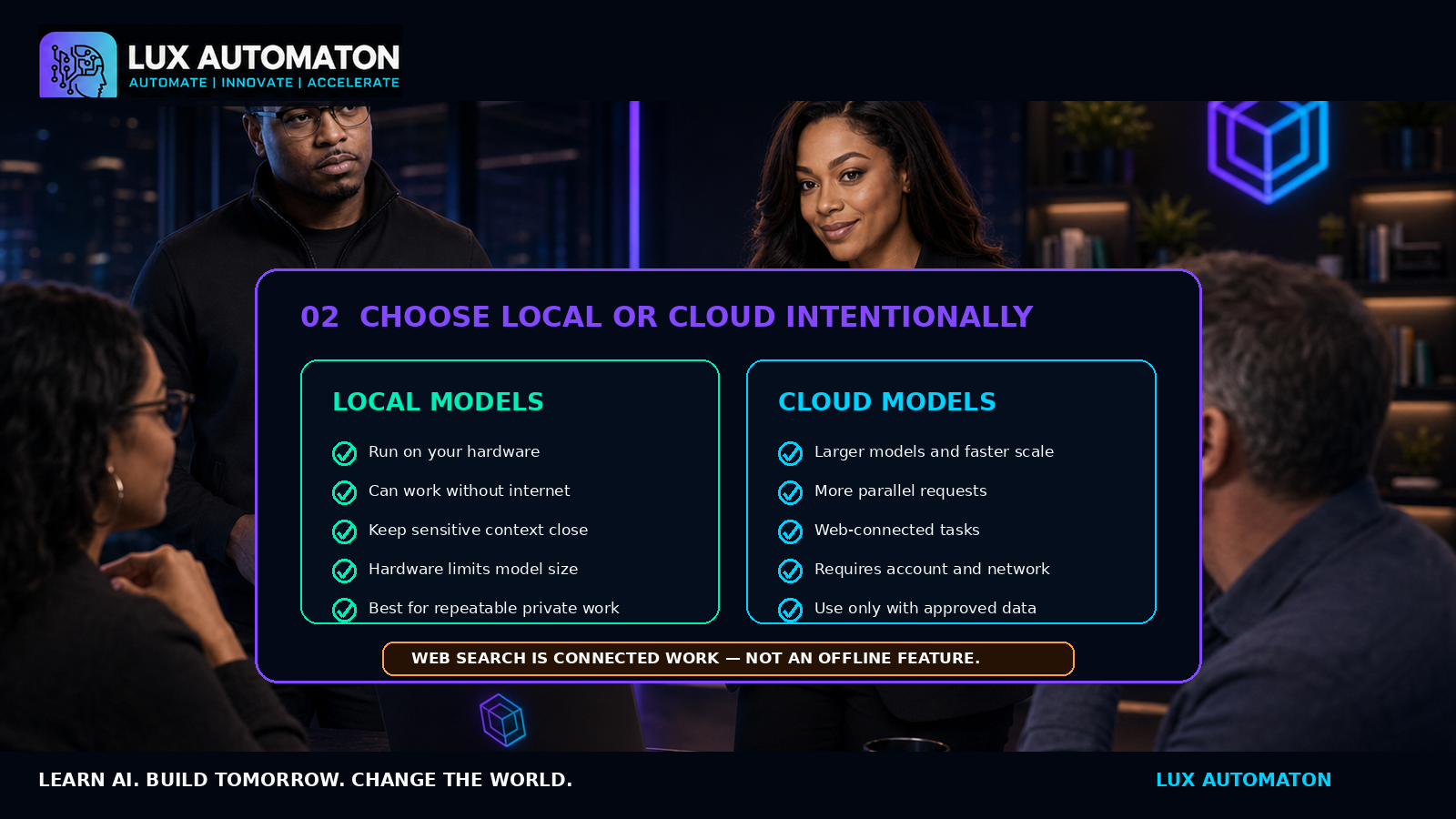
Ollama’s current positioning is clear: start local and scale with cloud.
What local models are good at
Local models help when work must continue without internet, sensitive context remains on approved hardware, recurring request cost matters, or the workflow needs predictable local API access.
A local model does not make a workflow offline if the agent still needs web search, cloud databases, or remote APIs.
What cloud models are good at
Cloud models help when tasks require large models exceeding local VRAM, or when high parallel throughput is needed. Ollama’s cloud offering provides access to larger models without using customer data for training.
Web search is connected work
Ollama’s web-search API requires authentication through an Ollama account or API key. That means a local model using web search is performing a hybrid workflow. The reasoning happens locally while search queries move online.
03 — Delegation needs permissions, evidence, and human approval
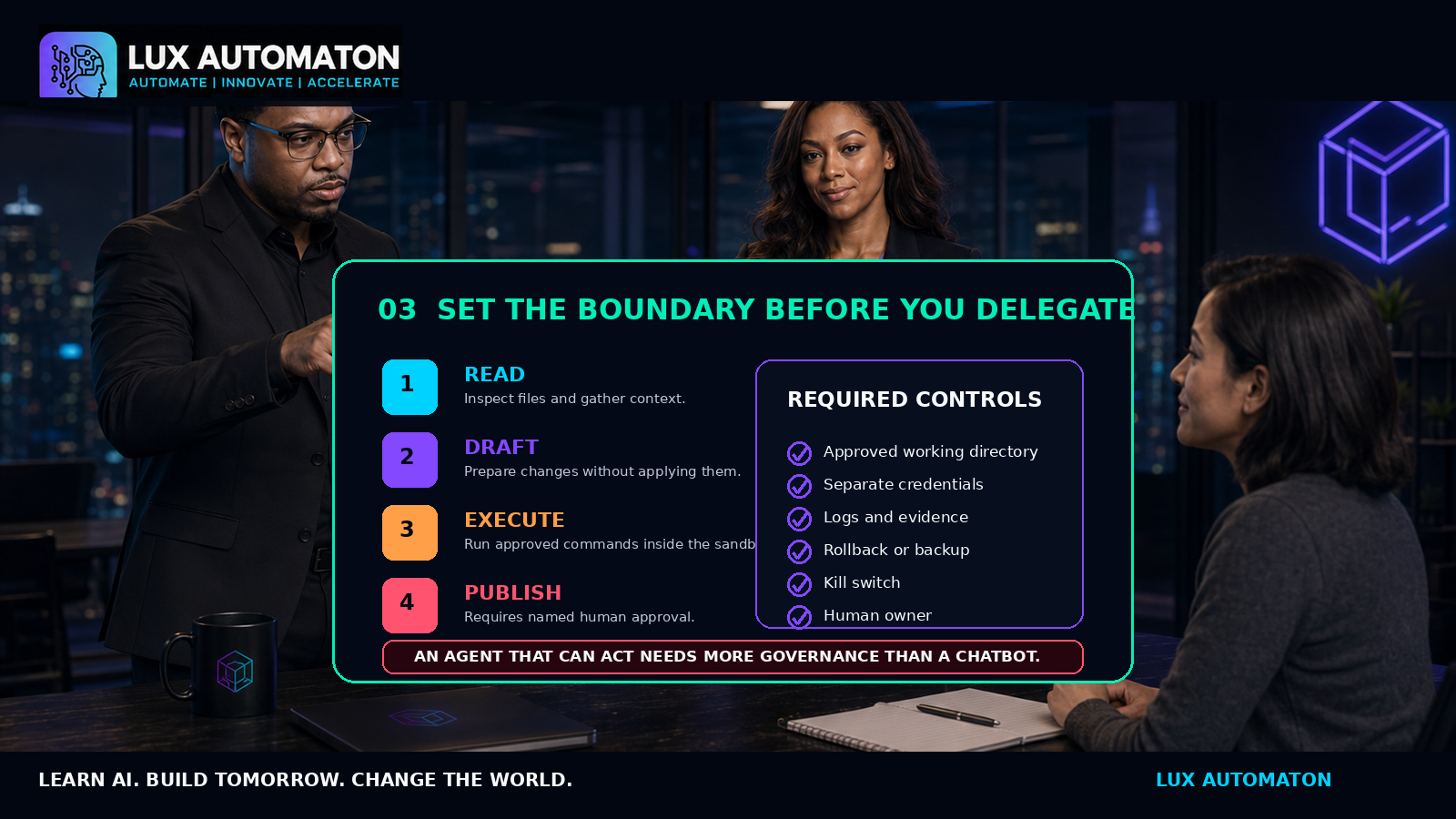
An agent that can act needs more governance than a chatbot that can only speak.
Separate permission levels
1. Level 1 — Read: Inspect approved files and gather context. 2. Level 2 — Draft: Prepare proposed changes, documents, or plans without applying them. 3. Level 3 — Execute: Run approved commands inside a sandbox or test environment. 4. Level 4 — Publish: Affect customers, production systems, or money only after named human approval.
Require evidence, not confidence
For every delegated task, require evidence: files changed, commands executed, tests run, sources used, and items requiring approval.
Keep rollback close
Before an agent edits anything important, answer: *How do we return to the previous state?* For code, use git; for documents, copies; for databases, backups and transactions.
What this means for Lux Automaton
Ollama can become a stronger execution layer inside the Lux ecosystem, powering local model access for LANA, coding workflows for Lux Codex, and private document assistance for Success Packs.
**Ollama can be the engine room. Lux Automaton is the operating system around the work.**
The takeaway
Ollama 0.32 changes the starting point from 'choose a model' to 'open a workspace, describe the job, choose the model, use approved tools, and review the result.' Local AI is becoming less about collecting models and more about building dependable systems around them.
**“AI should work for you.” — Asa Pritchard** **Learn AI. Build Tomorrow. Change the World. — LANA**
Your next action
Update a non-production Ollama installation to the current stable release. Use the Local AI Agent Readiness Planner included with this article to define one test directory, one model, one task, one approval point, and one rollback method. Then run a 30-minute pilot.