Keep learning with the companion guide.
Open this simple resource in a new tab, then use it at your own pace.
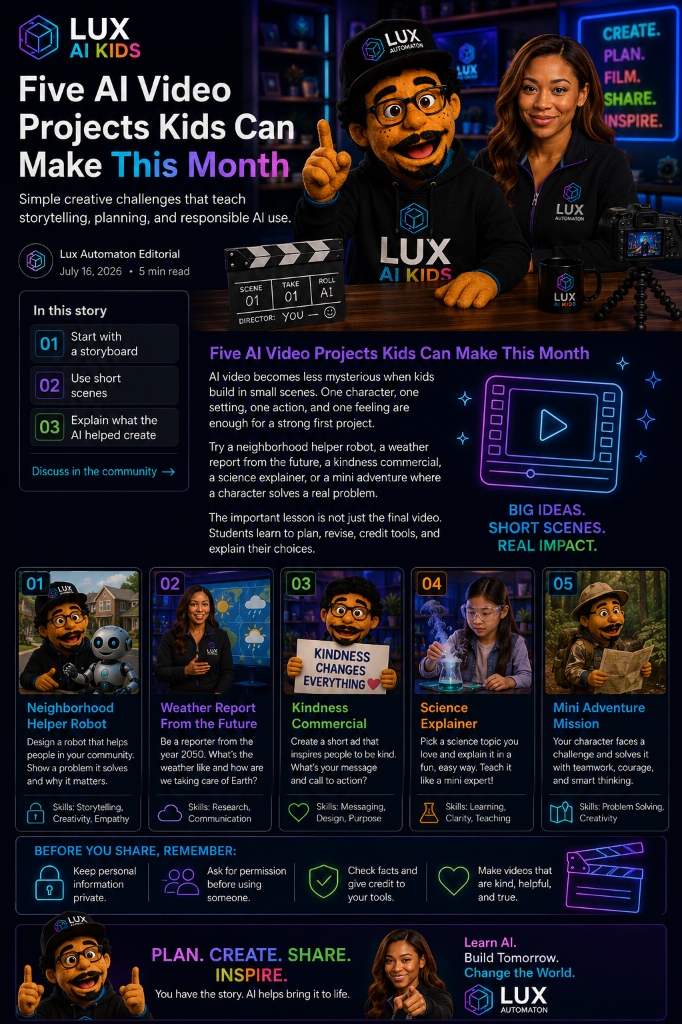
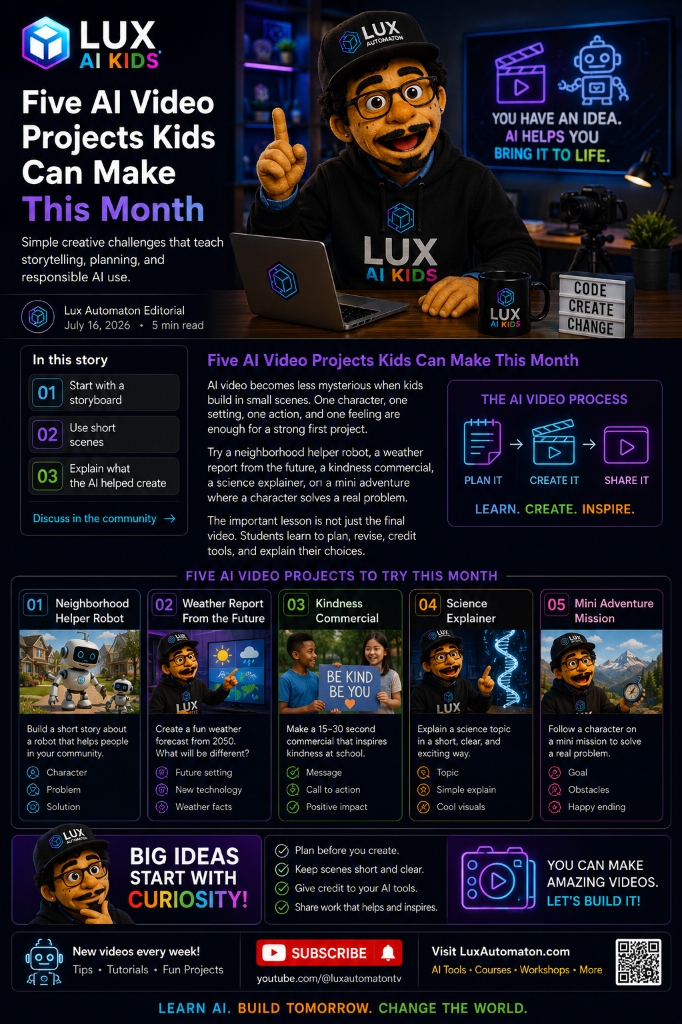
Open the free guide →AI video becomes less mysterious when kids build in small scenes. One character, one setting, one action, and one feeling are enough for a strong first project.
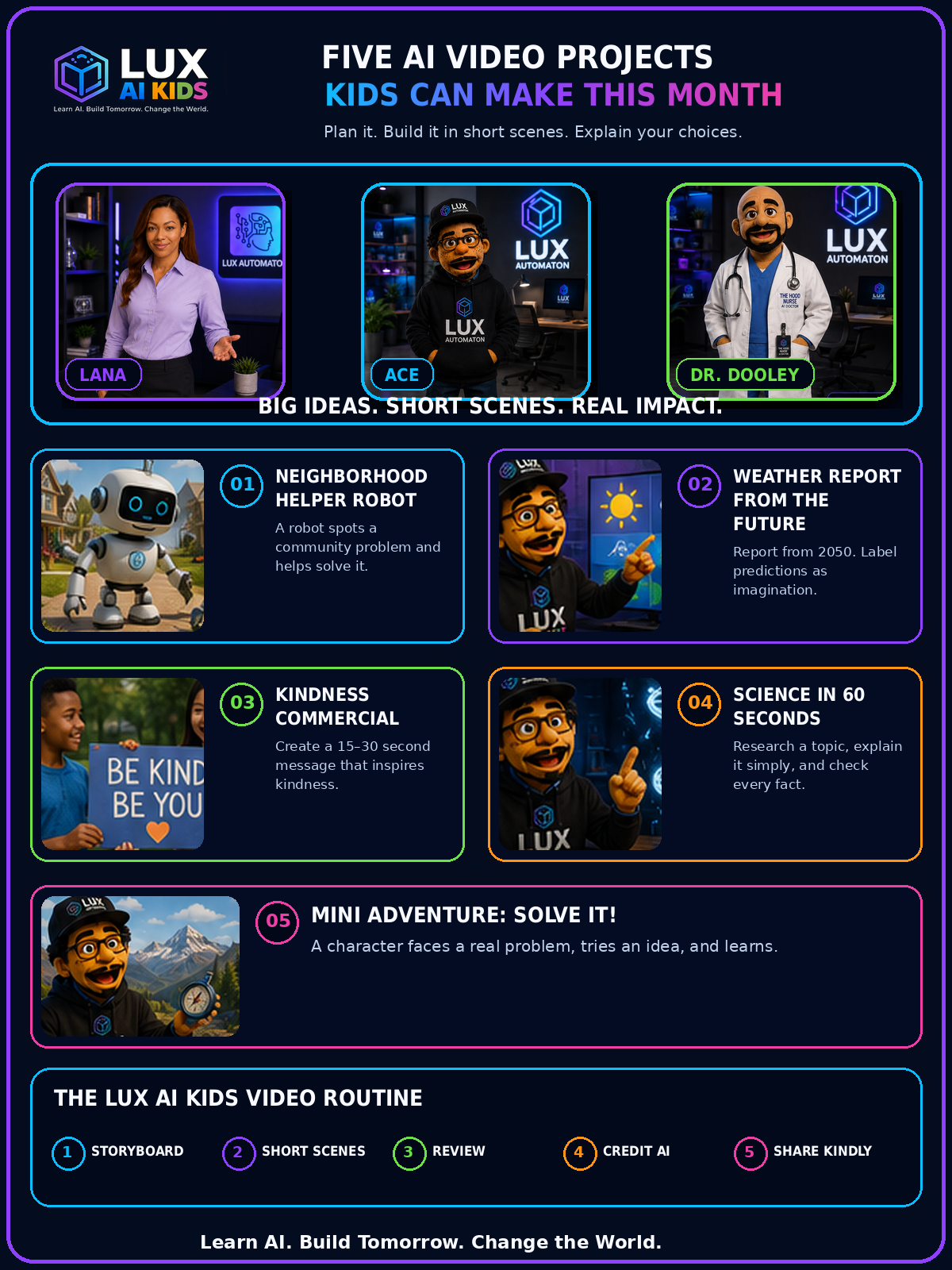
Try a neighborhood helper robot, a weather report from the future, a kindness commercial, a science explainer, or a mini adventure where a character solves a real problem.
The important lesson is not just the final video. Students learn to plan, revise, credit tools, check facts, protect privacy, and explain their choices.
**Ace asks:** “What do you think your story should help someone understand, feel, or do?”
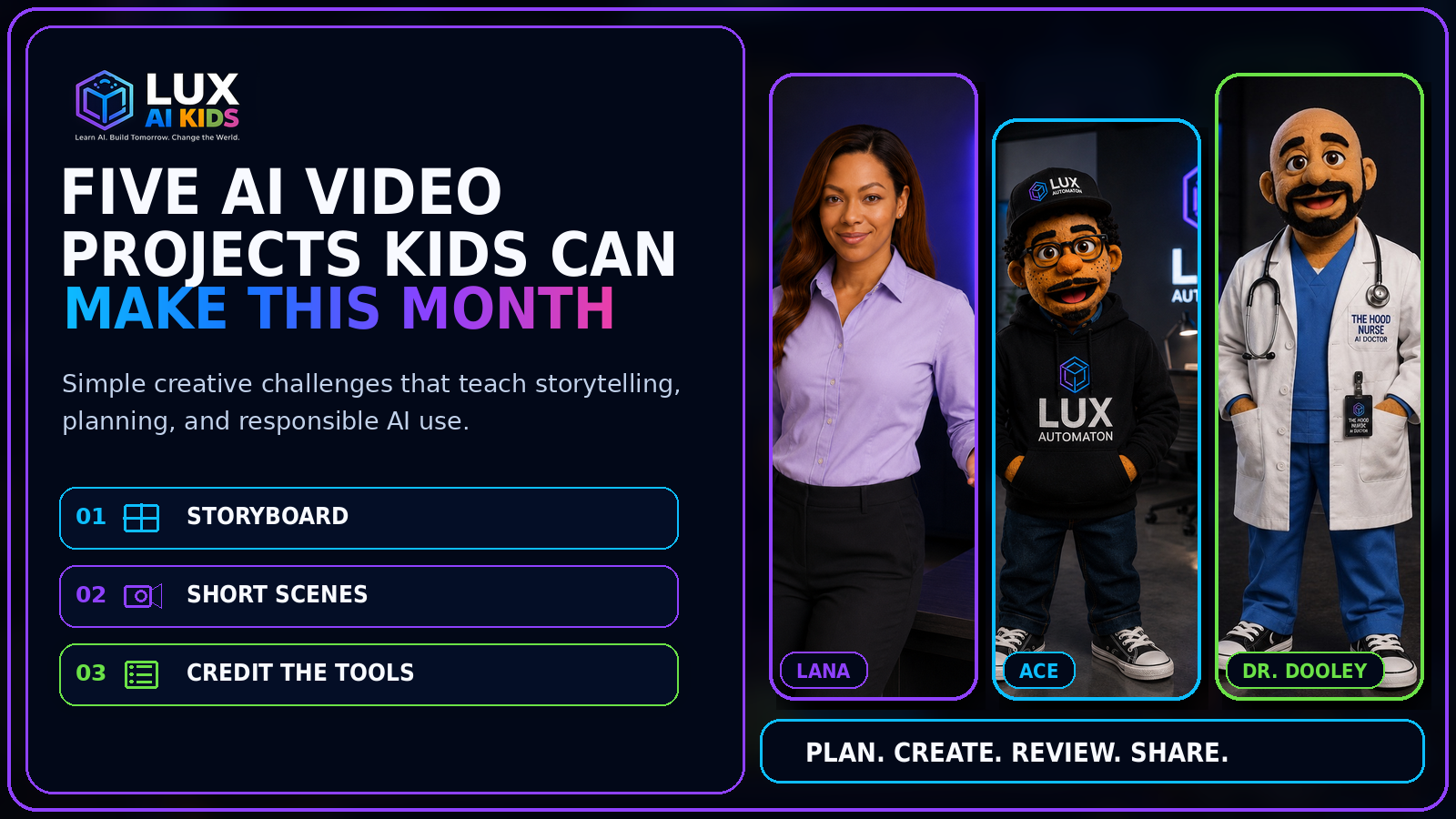
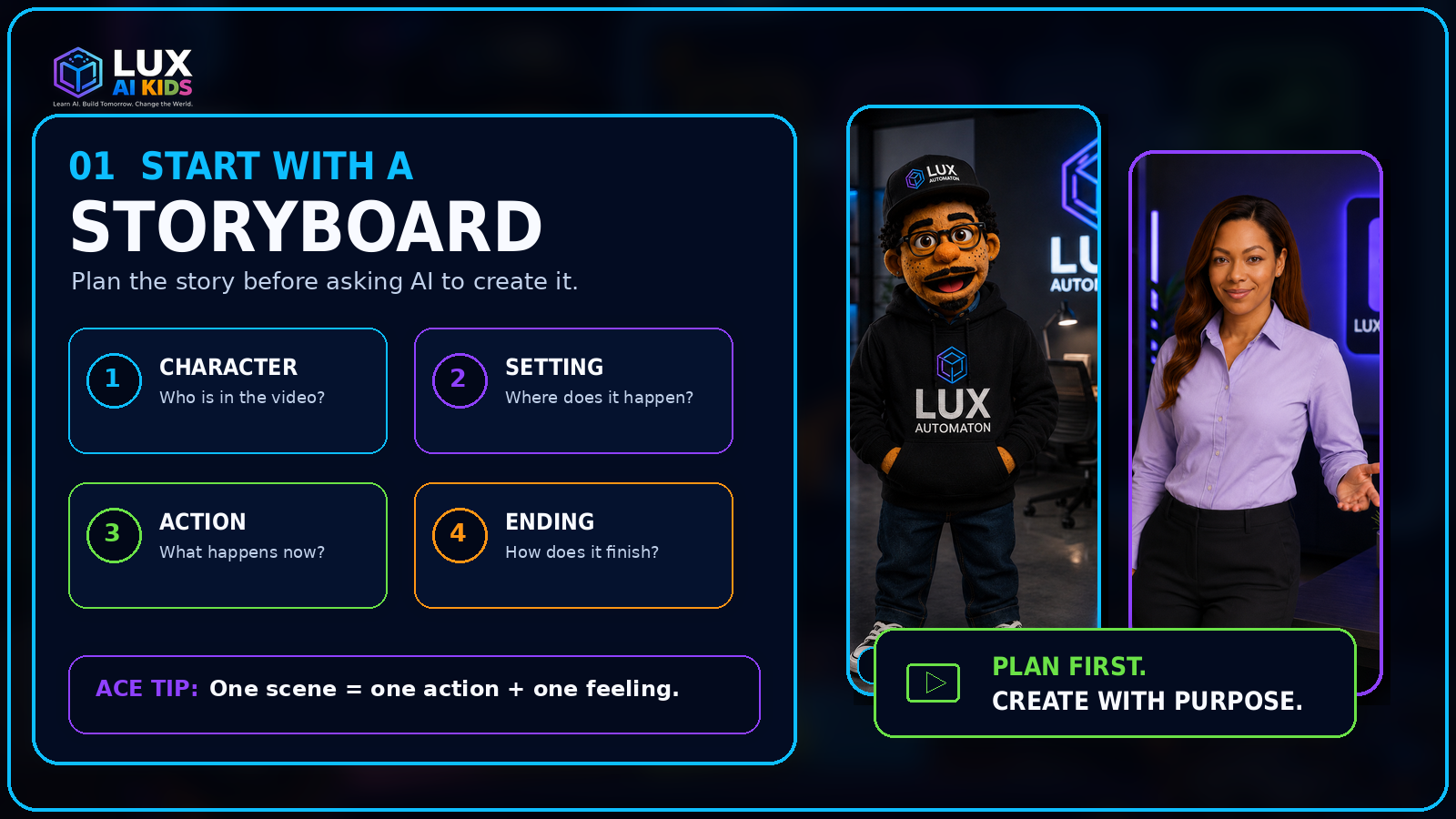
01. Start with a storyboard
A storyboard is a simple map of the video. Kids do not need advanced drawing skills. Four boxes are enough:
1. Character: Who is the story about?
2. Setting: Where does the scene happen?
3. Action: What does the character do?
4. Ending: What changes or gets solved?
Planning first helps children make creative decisions before a tool starts generating options. It also makes it easier to notice when an AI result does not match the original idea.
A strong child-friendly prompt can follow this pattern:
“Create a short scene with **one character**, in **one setting**, doing **one clear action**, with a **specific feeling**. Keep the design consistent with the previous scene.”
Before a child uploads a photo, voice recording, or personal story, a trusted adult should review the tool’s privacy rules and age requirements. Use original characters whenever possible, and ask permission before including another person’s face, voice, name, artwork, or experience.
Project 1: Neighborhood Helper Robot
Create a friendly robot that notices a small community problem and helps solve it. A four-scene plan could be: the robot sees litter near a playground, asks neighbors to help, everyone cleans the area together, and the robot celebrates the teamwork—not itself.
Project 2: Weather Report From the Future
Invite kids to become a weather reporter in the year 2050. Children research real weather terms first, then clearly label futuristic predictions as imagination.
Project 3: Kindness Commercial
Make a 15–30 second message that inspires one simple action: invite someone to join a game, thank a helper, include a new student, protect a shared space, or speak respectfully online.
Project 4: Science in 60 Seconds
Choose one focused question: Why do leaves change color? How does a battery power a toy? Why do we wash our hands? What makes a rainbow? Build the explanation with a beginning, one main idea, and a simple recap.
Project 5: Mini Adventure—Solve It!
Create a character with a goal, an obstacle, and a helpful idea. The problem can be small: finding a lost library book, helping a robot cross a puddle, or saving a garden from a dry week.
02. Use short scenes
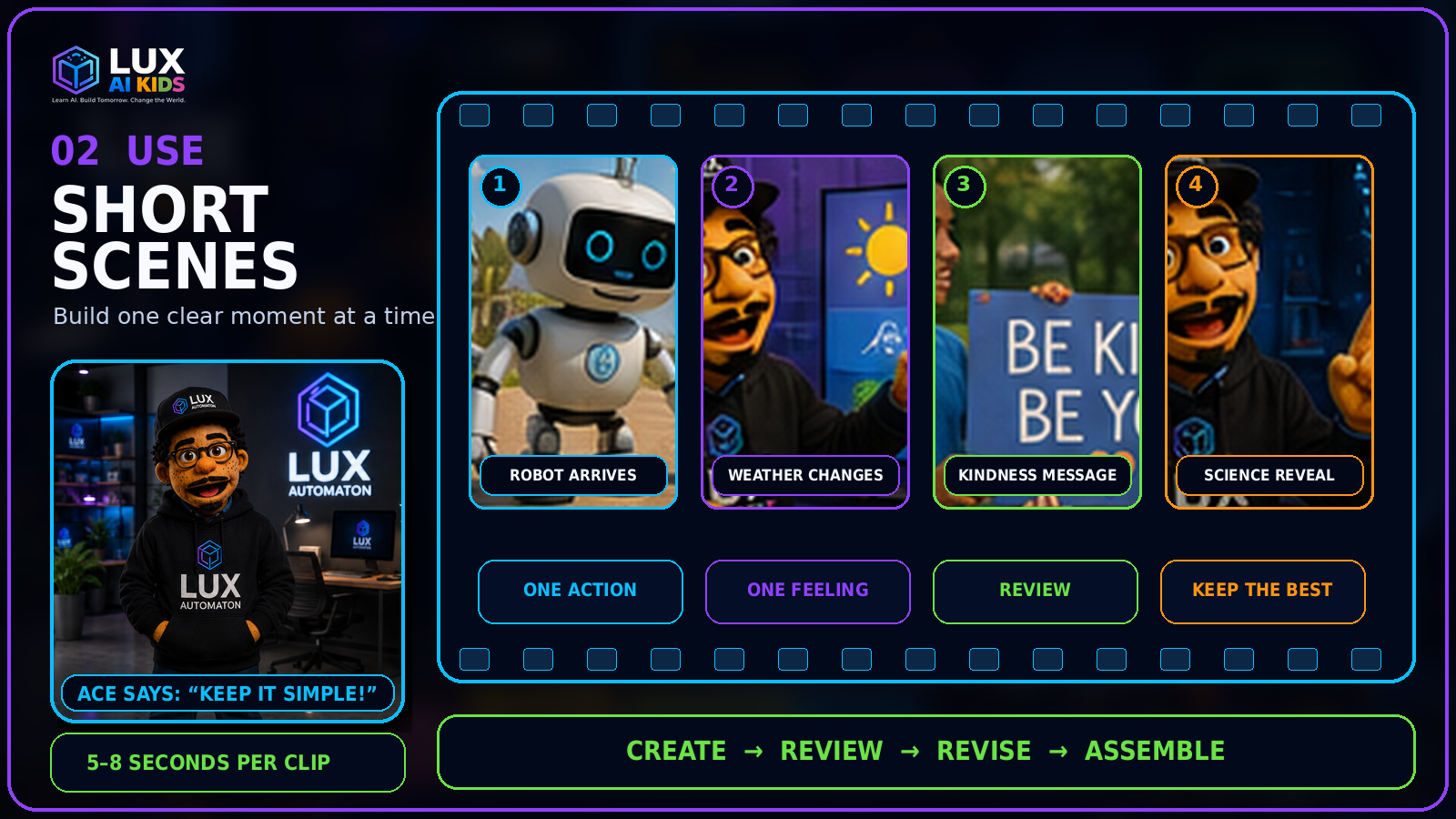
Long prompts often ask the AI to manage too many details at once. Short scenes are easier to plan, generate, review, and replace. For a first project, try three to five clips of about five to eight seconds each. Give every clip one job.
A useful scene formula is: Character + setting + action + feeling + camera view
03. Explain what the AI helped create
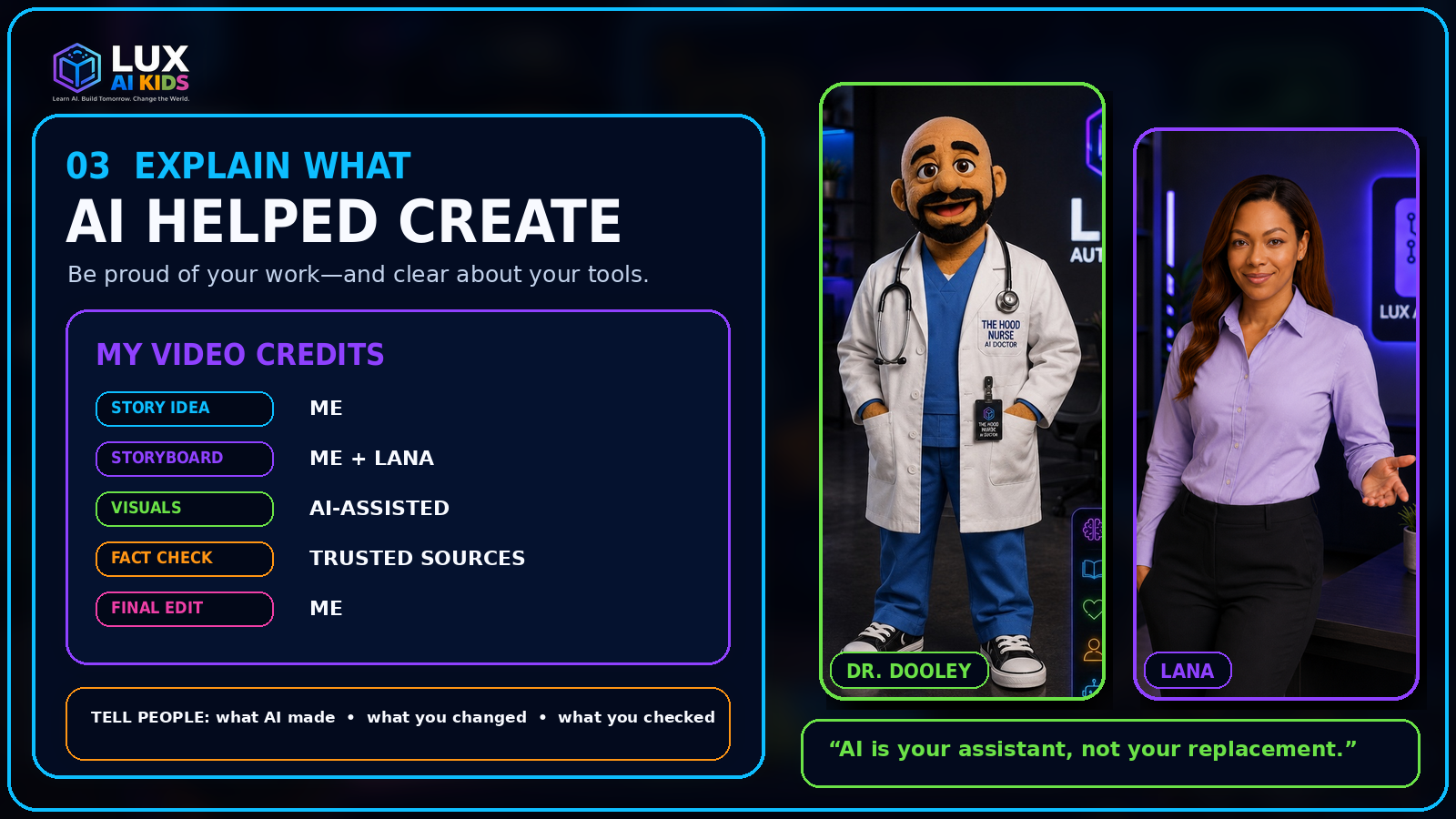
A responsible creator can explain where the idea came from, what the AI generated, and what the human changed.
Kids can use this simple credit: “I created the idea and storyboard. I used an AI tool to help make visual options. I selected the clips, changed the script, checked the facts, and completed the final edit.”
LANA’s reminder is simple: AI can suggest, generate, and organize. People still choose the purpose, judge the result, protect others, and decide what should be shared.
A one-month LUX AI Kids challenge
- Week 1: Storyboard the Neighborhood Helper Robot.
- Week 2: Create the Future Weather Report and Kindness Commercial.
- Week 3: Research and produce Science in 60 Seconds.
- Week 4: Build the Mini Adventure, then host a small showcase.