
Keep learning with the companion guide.
Open this simple resource in a new tab, then use it at your own pace.
Open the free guide →The source video, Claude Design 3.0 (3D Scrolling Animations), focuses on a powerful direction in modern web design: allowing the visitor’s scroll to control a cinematic 3D sequence.
The page no longer behaves like a stack of static sections. A product can rotate, a camera can move through a scene, layers can separate, and the final state can resolve into a product benefit or call to action.
Claude Code can help inspect a project, implement multi-file changes, run commands, and work through a development workflow. Anthropic describes it as an agentic coding tool that reads codebases, edits files, runs commands, and integrates with development tools.
The browser also supports several approaches to scroll-linked animation. CSS scroll-driven animations can connect animation progress to scroll or view timelines rather than elapsed time. The Web Animations API also includes ScrollTimeline. Because browser support varies, a production site needs a fallback.
**Turn the visitor’s scroll into a controlled story without making the website harder to use.**
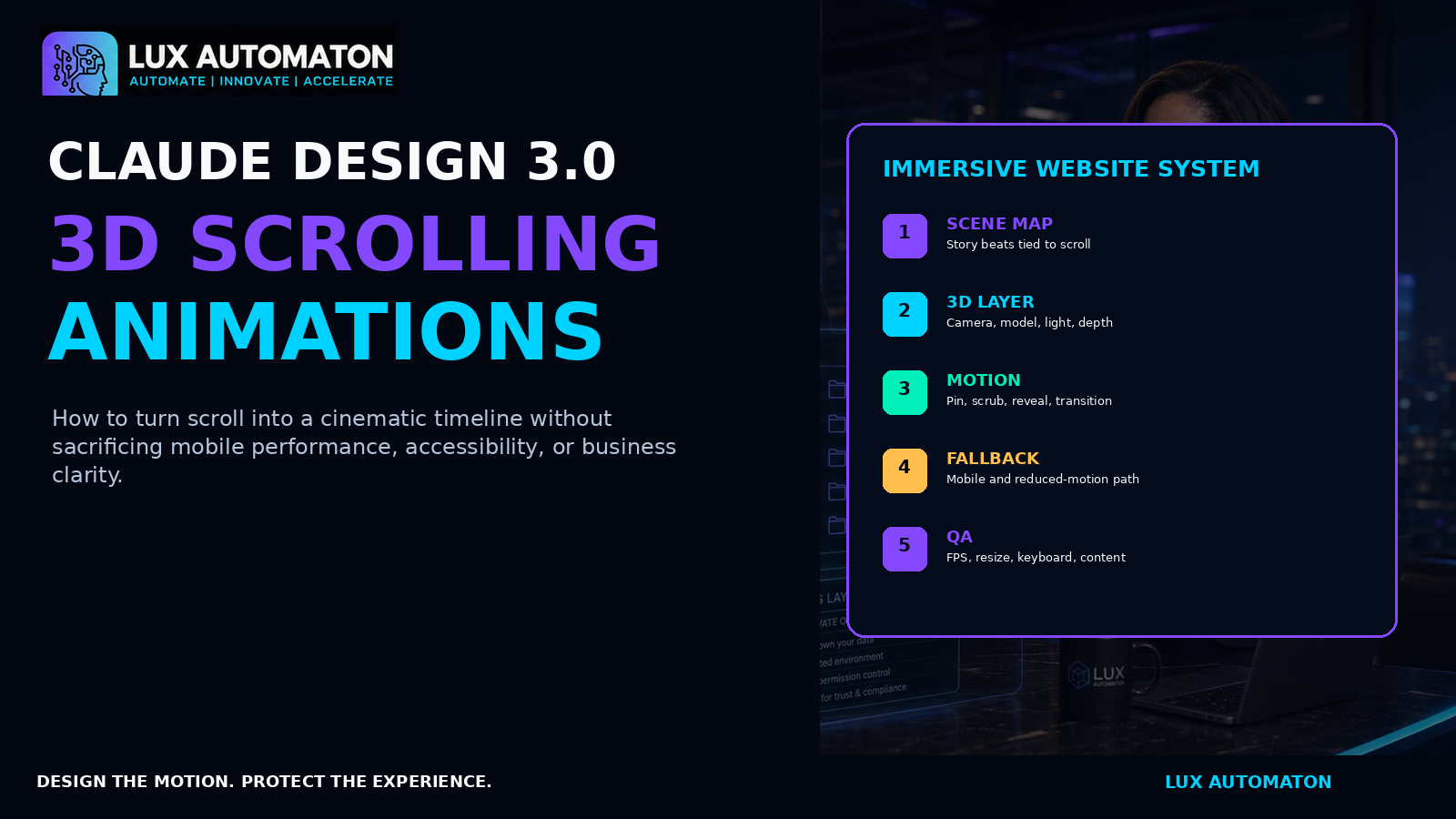
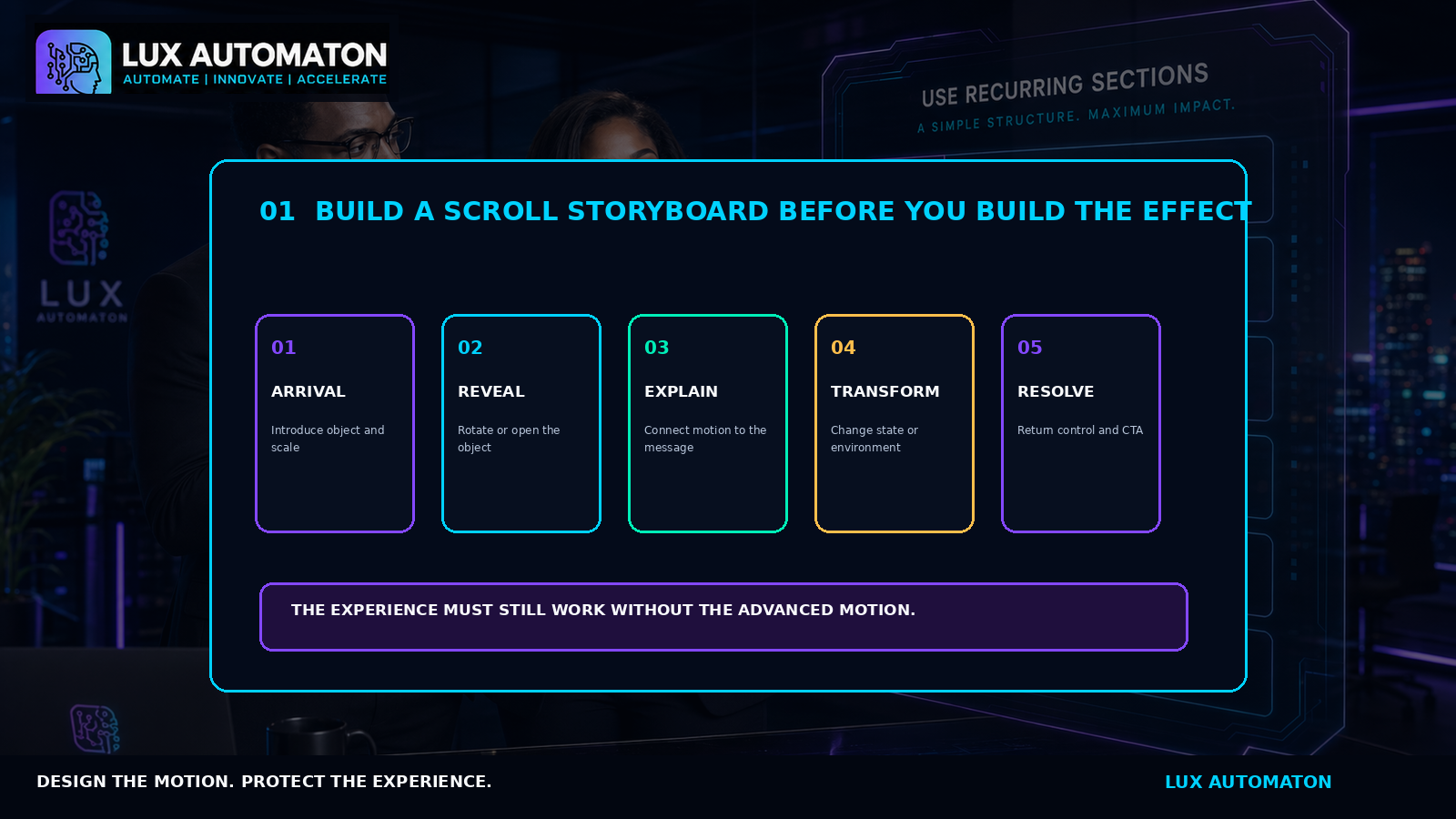
01 — Design the scroll narrative before writing animation code
A cinematic scroll experience is not a collection of random effects. It needs a beginning, progression, and resolution.
Start with the business message. A product website might show the complete product, separate its layers, highlight a technical advantage, reassemble it, and end with the primary action.
Build a five-beat storyboard
1. Arrival — The object or environment appears. 2. Reveal — The object rotates, opens, or changes perspective. 3. Explanation — Text and visual state connect. 4. Transformation — The scene changes into the next meaningful state. 5. Resolution — The page releases the pinned scene and presents the action.
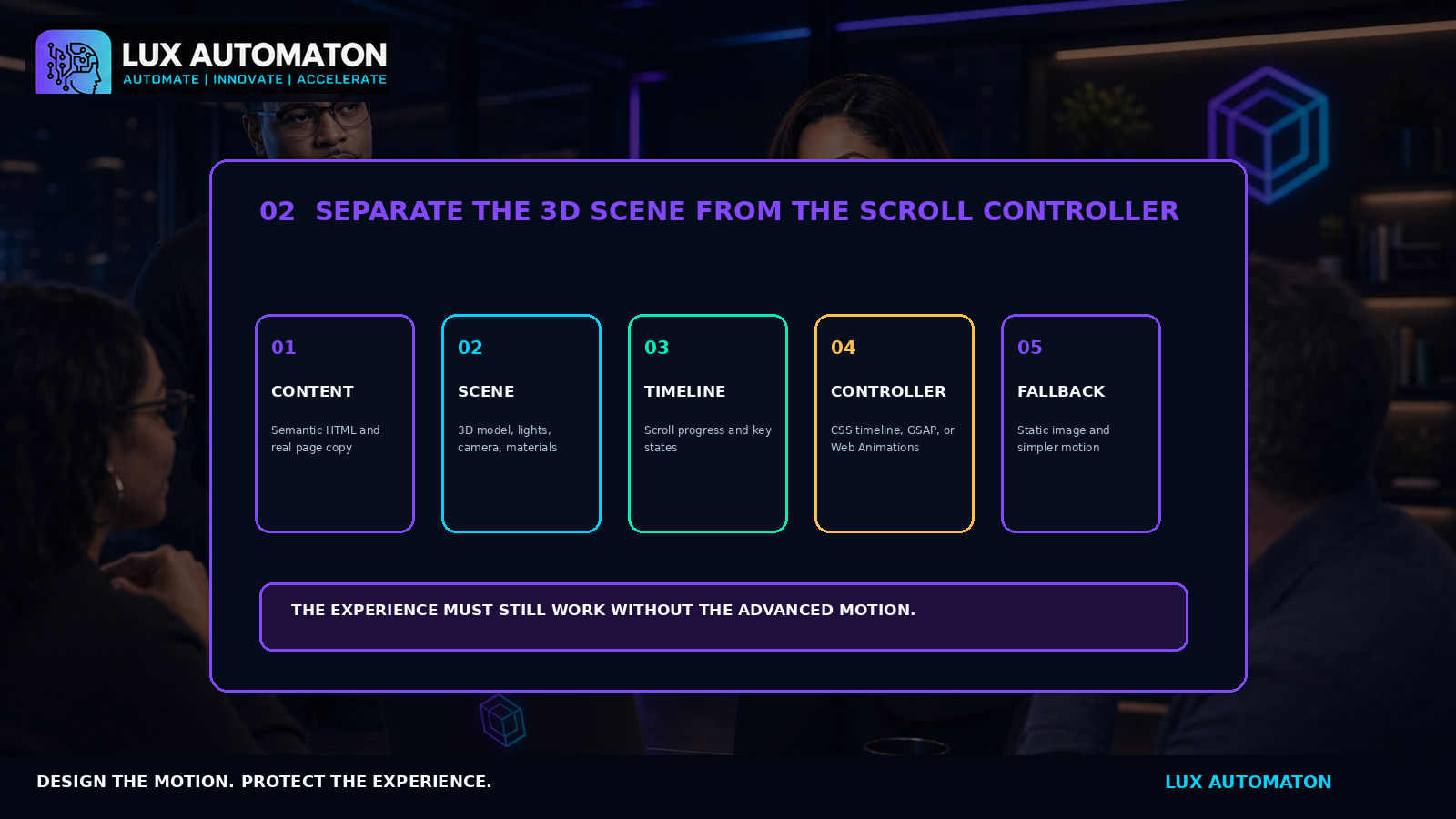
02 — Separate the 3D scene from the scroll controller
A dependable build separates five concerns: Semantic Content, 3D Scene, Timeline, Controller, and Fallbacks.
Give Claude Code a production brief
Ask Claude to inspect the architecture, propose the smallest plan, identify performance and accessibility risks, preserve semantic content outside the canvas, create desktop and mobile paths, respect reduced motion, lazy-load the 3D bundle, clean up WebGL resources, and document QA steps.
03 — Cinematic motion still needs mobile, accessibility, and performance gates
The effect is not finished when it works on one laptop. Measure frame stability, layout shifts, 3D bundle size, and touch scrolling response.
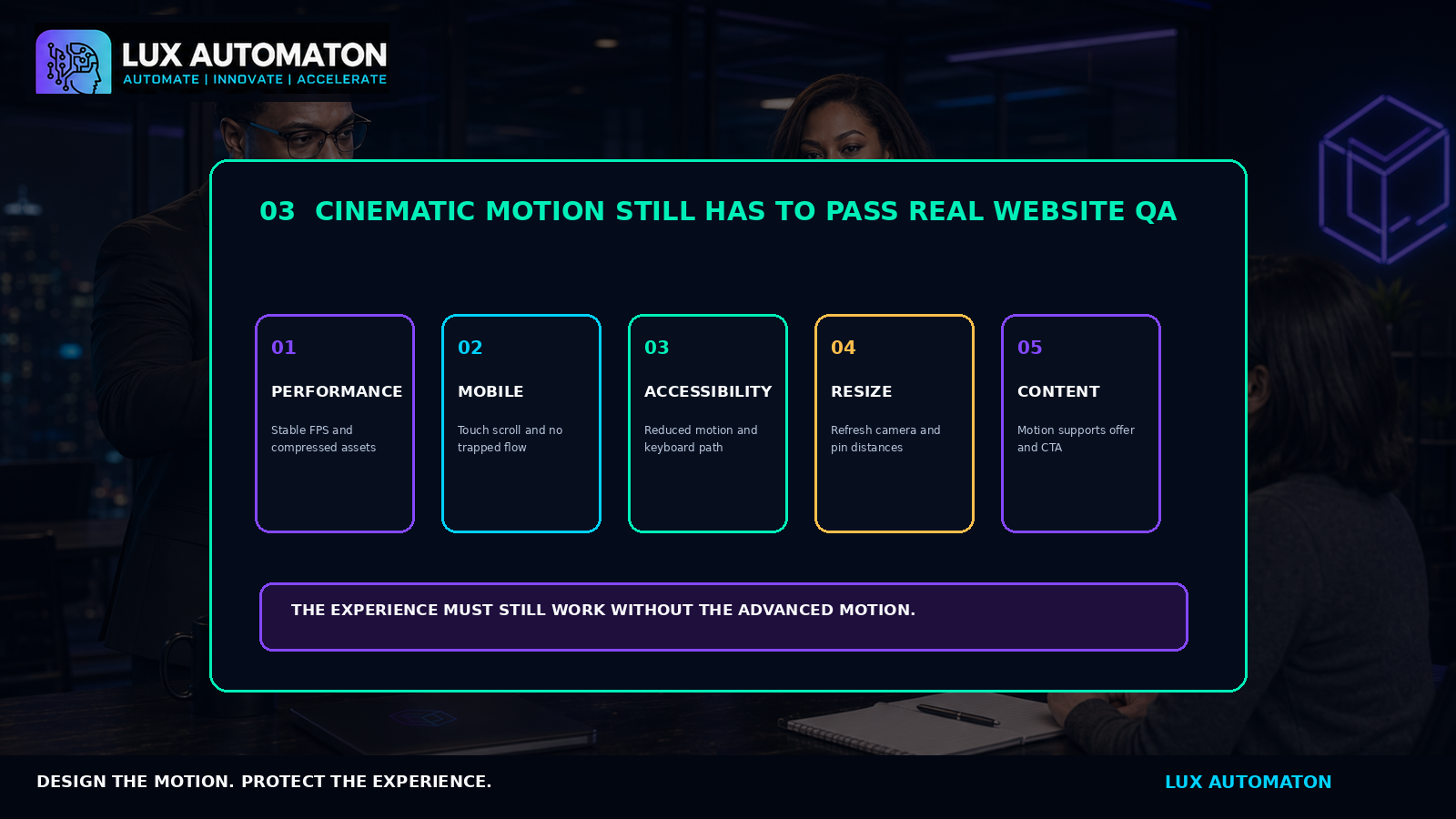
Accessibility & Reduced Motion
When prefers-reduced-motion: reduce is active, remove large camera moves and continuous rotation. Replace scrubbed sequences with clear static states while preserving all information and call-to-actions.
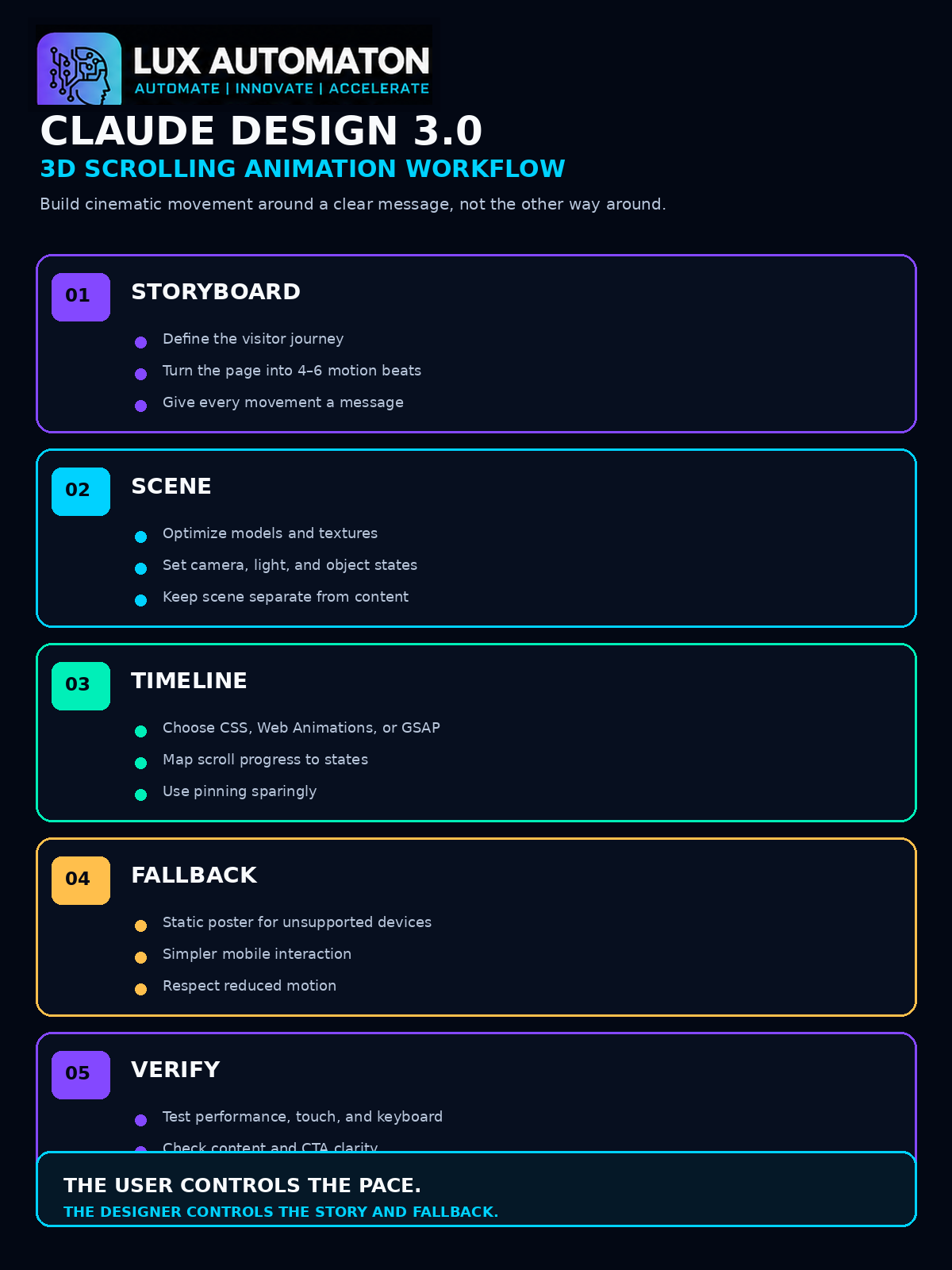
**“The visitor controls the pace. We control the meaning.” — Asa Pritchard** **Learn AI. Build Tomorrow. Change the World. — LANA**
Downloads & Subscriber Tools
Download the 3D Scroll Experience Planner (/documents/3d-scroll-experience-planner.html), Workflow JSON (/documents/lux-3d-scroll-experience-workflow.json), HTML Edition (/documents/claude-design-3d-scrolling-animations.html), and Markdown Source (/documents/claude-design-3d-scrolling-animations.md).