
Browser
Clean browser ready for inspect, click, resize, screenshot, and console checks.
- Open local previews
- Inspect DOM and logs
- Capture proof
Connect Lux Agent USB so Lana and the agent team can use the browser, terminal, project scanner, files, and verified harness tools through one approval-controlled bridge.
Lana can coordinate the agent team across browser previews, terminal commands, project scans, files, and harness verification while the operator stays in charge of every sensitive action.
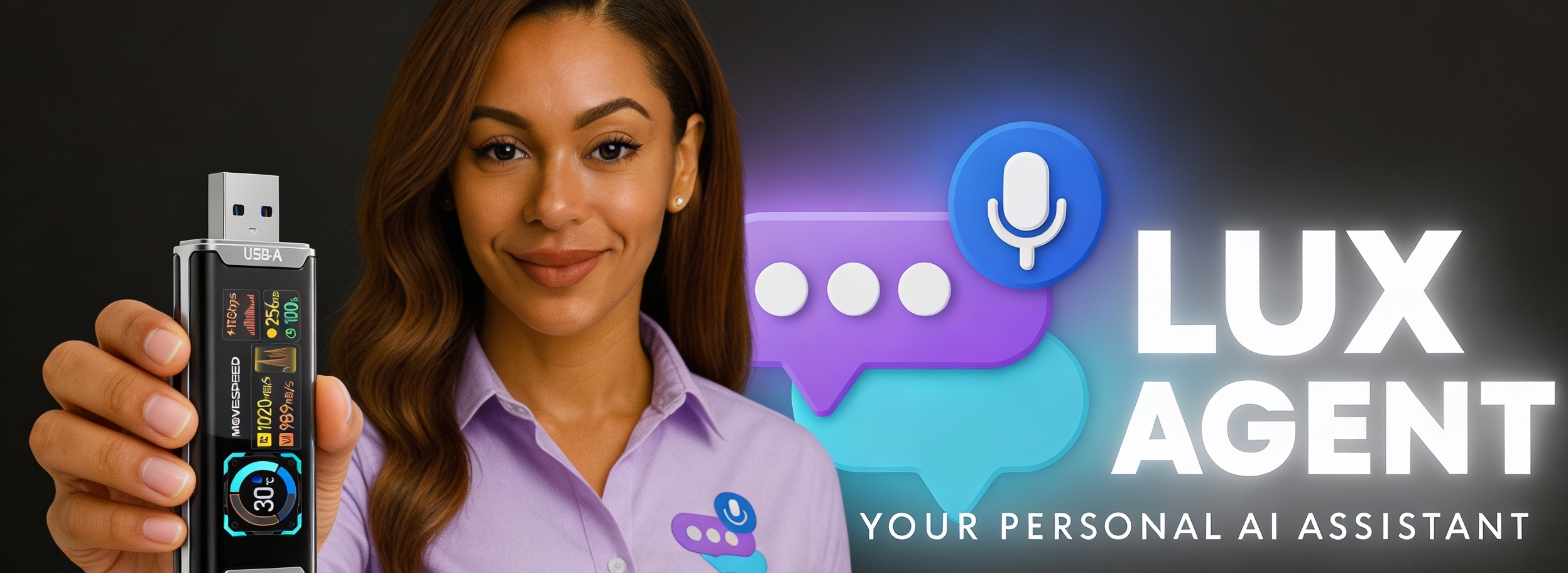
Click each tool lane to see how Lana and the agent team move through browser, terminal, scanner, files, and harness verification without losing operator control.
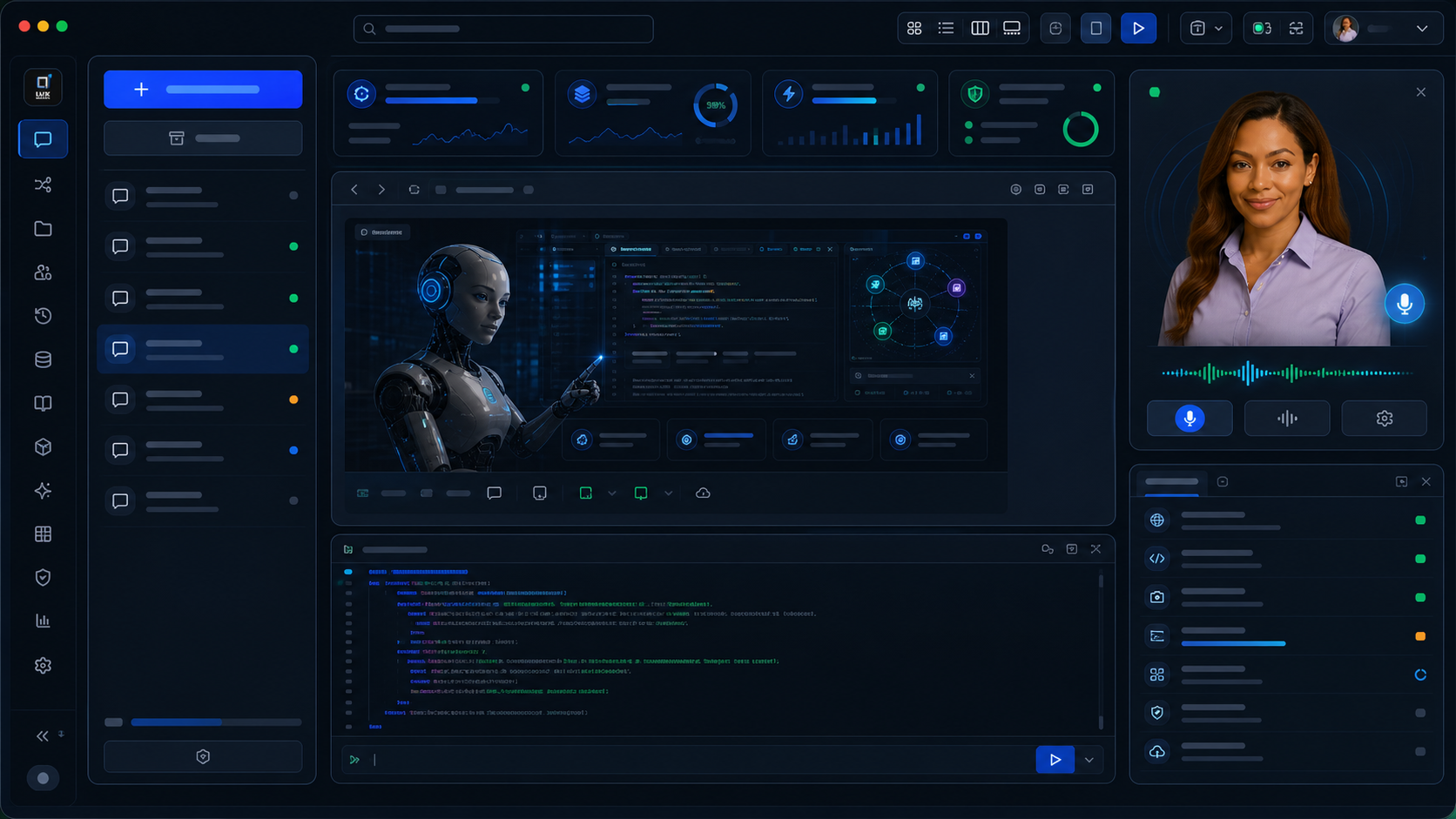
Clean browser ready for inspect, click, resize, screenshot, and console checks.
Terminal runs stay approval-first, traced, and ready for verification.
Project scanner reads repos, branches, files, and source relationships before action.
Files, photos, docs, source packs, and screenshots stay close to the agent run.
Lux Harness records orient, inspect, decide, act, verify, and report evidence.
Approval mode: Ask before tool use.
Photos and product visuals show the bridge, Lana, browser control, terminal runs, and verification cockpit as one connected operating surface.
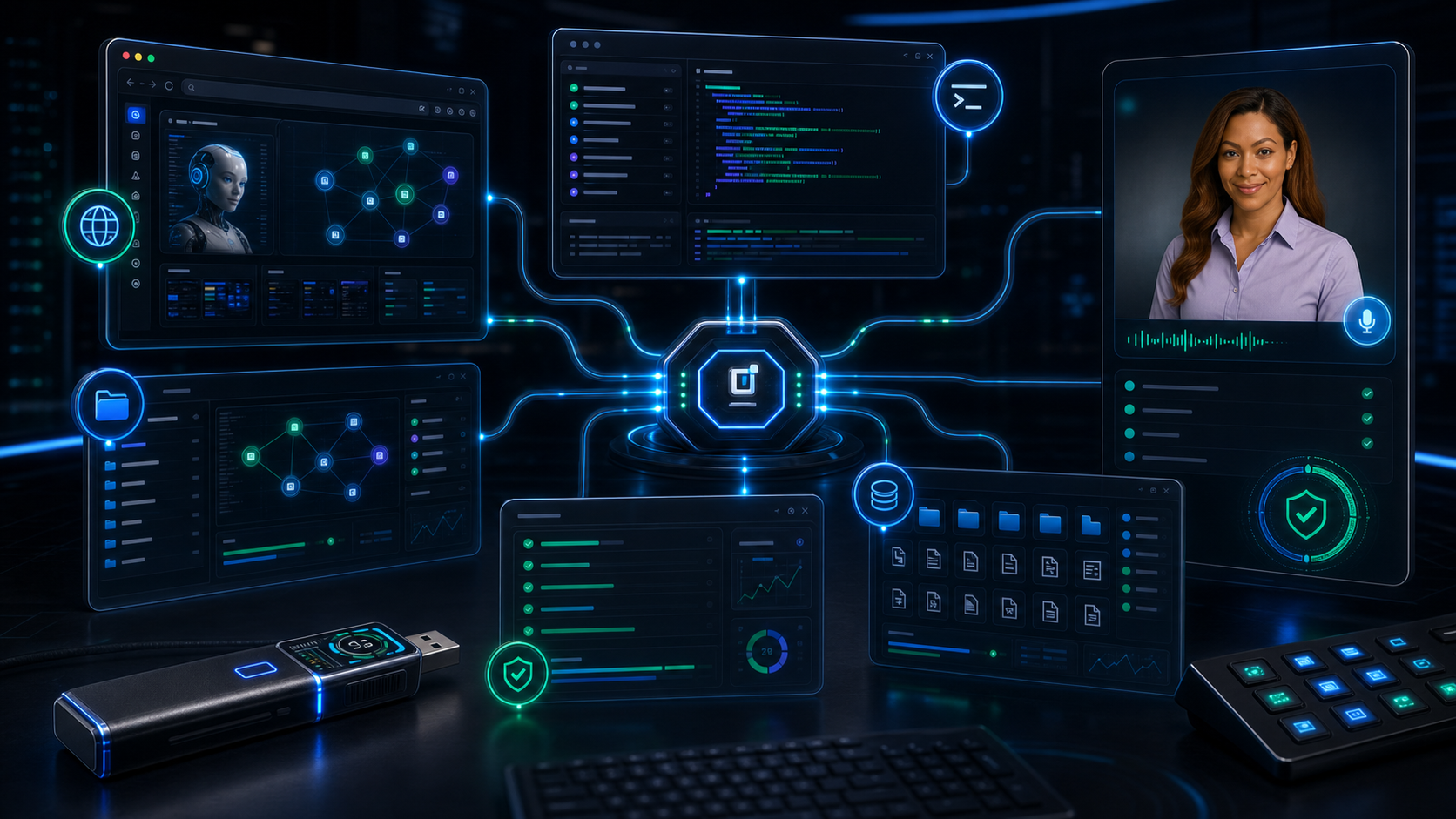

Start portable, connect context, and keep the operator in control.
Set the project foundation, model roster, memory, and access rules.
Bring in files, repos, notes, screenshots, and product assets.
Let the agent create structure, context, tasks, and next steps.
Execute, test, inspect, and refine in verified feedback loops.
Ship with confidence, monitor outcomes, and improve the system.